


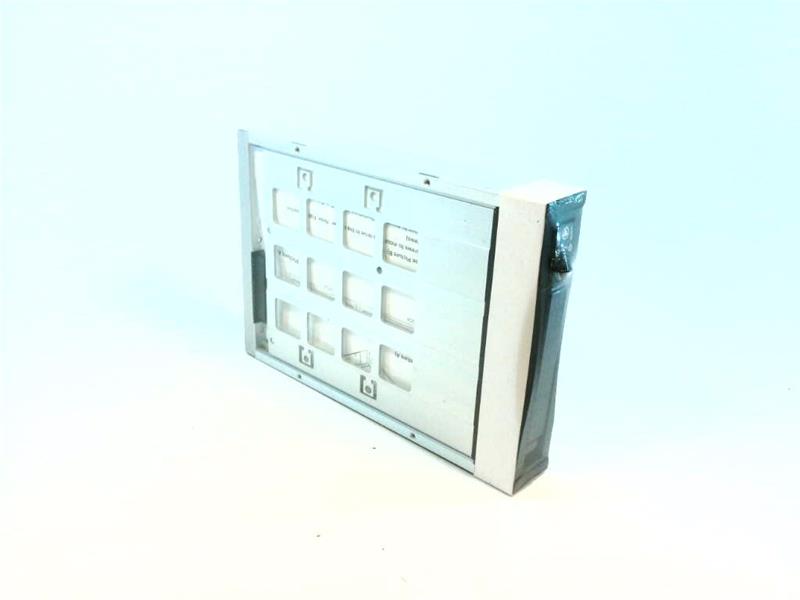

Siemens Part Number A5E00139158:
Description
The Siemens part number A5E00139158 is a component of the S7-1200 series of programmable logic controllers (PLCs). The specific component is a communication module, designed to facilitate communication between the PLC and other devices on a network. This module supports various communication protocols, including Ethernet/IP, Profibus, and PROFINET.
Technical Specifications
The technical specifications of the communication module include:
- Communication protocols: Ethernet/IP, Profibus, and PROFINET
- Network interface: Ethernet (RJ-45)
- Data transfer rate: Up to 100 Mbps
- Power supply: 24V DC
- Operating temperature: -20°C to 60°C
- Storage temperature: -40°C to 80°C
- Dimensions: 100mm x 70mm x 20mm
Alarm/Error Codes
The communication module is designed to provide real-time data transfer and monitoring. In the event of an error or alarm, the module can send signals to alert operators. The specific alarm and error codes for this module are not publicly available, as they are typically documented in the user manual or through direct communication with Siemens support.
User Manual
The user manual for the communication module is not publicly available. It is typically provided by Siemens or authorized distributors with the purchase of the module. The manual provides detailed instructions on installation, configuration, and troubleshooting of the module.
Troubleshooting
Troubleshooting the communication module involves identifying and addressing potential issues that may affect its performance. Common issues include:
- Network connectivity problems
- Incorrect configuration
- Power supply issues
- Physical damage
To troubleshoot the module, operators can refer to the user manual and check the module's status lights, network connections, and power supply. Siemens technical support can also be contacted for further assistance.
Programming
The communication module is programmable using Siemens' proprietary programming software, SIMATIC STEP 7. This software allows users to configure the module's communication settings, such as the protocol and network settings.
Installation
The installation of the communication module involves several steps:
- Mounting: The module is typically mounted on the PLC's backplane or in a separate enclosure.
- Power supply: The module requires a 24V DC power supply, which should be connected according to the manufacturer's instructions.
- Network connection: The module's Ethernet port should be connected to the network using an Ethernet cable.
- Configuration: The module's communication settings should be configured using SIMATIC STEP 7 software.
It is recommended that the installation be performed by a qualified technician or engineer with experience in Siemens PLC systems.
Download the Data Sheet Go to product