


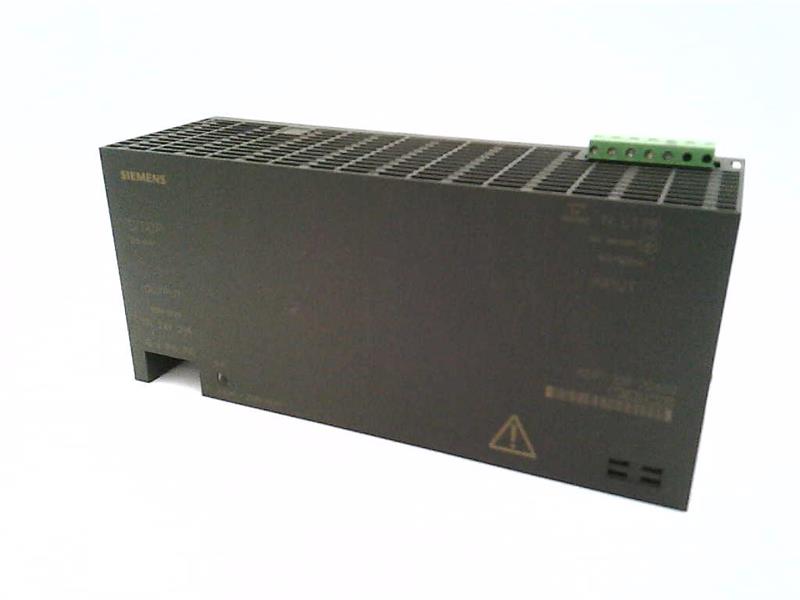

The Siemens part number 6EM3105-0D is a specific component used in industrial automation systems. Here's a detailed overview of its key features and technical specifications:
Technical Specifications
The Siemens 6EM3105-0D is a programmable logic controller (PLC) module designed for use in industrial automation systems. It is part of the Siemens SIMATIC S7-300 series and is known for its reliability, flexibility, and scalability. The module is designed to operate in a variety of industrial environments and is suitable for use in a wide range of applications, including manufacturing, process control, and building automation.
Alarm/Error Codes
The 6EM3105-0D PLC module uses a standardized error code system to communicate errors and alarms to the user. The module is equipped with a range of error codes that can be used to diagnose and troubleshoot issues. These error codes are typically displayed on the module's display screen or communicated through a network interface.
User Manuals
The user manual for the Siemens 6EM3105-0D PLC module is available from Siemens' official website. The manual provides detailed information on the module's installation, configuration, and operation. It includes technical specifications, wiring diagrams, and troubleshooting guides to help users get the most out of the module.
Troubleshooting
Troubleshooting the 6EM3105-0D PLC module typically involves identifying and isolating the source of the problem. This can involve checking the module's power supply, communication links, and input/output signals. The module's error codes can also be used to diagnose issues and guide the troubleshooting process.
Programming
The 6EM3105-0D PLC module can be programmed using Siemens' SIMATIC STEP 7 software. This software provides a range of tools and functions for programming the module, including a graphical programming interface and a text-based programming language. The software is designed to be user-friendly and provides detailed documentation and tutorials to help users get started.
Installation
The installation of the 6EM3105-0D PLC module typically involves mounting the module in a suitable enclosure, connecting it to a power supply, and configuring its communication links. The module's wiring diagram should be consulted during the installation process to ensure that all connections are made correctly. The module should also be configured according to the specific requirements of the application it is being used in.
In summary, the Siemens 6EM3105-0D is a programmable logic controller module designed for use in industrial automation systems. It is known for its reliability, flexibility, and scalability, and is suitable for use in a wide range of applications. The module can be programmed using Siemens' SIMATIC STEP 7 software and is designed to be user-friendly. Troubleshooting the module typically involves identifying and isolating the source of the problem, and the module's error codes can be used to guide the troubleshooting process.
Download the Data Sheet Go to product